Installation
Install the RealityConnect for Revit to manage and run your projects effortlessly—just download, run the installer, and follow the steps
Supported Revit versions
Section titled “Supported Revit versions”2024, 2025, 2026, 2027
Download the installer
Section titled “Download the installer”Visit the following page to download the latest plugin version: https://cloud.prevu3d.com/settings/apps-and-plugins
Install the RealityConnect for Revit plugin
Section titled “Install the RealityConnect for Revit plugin”-
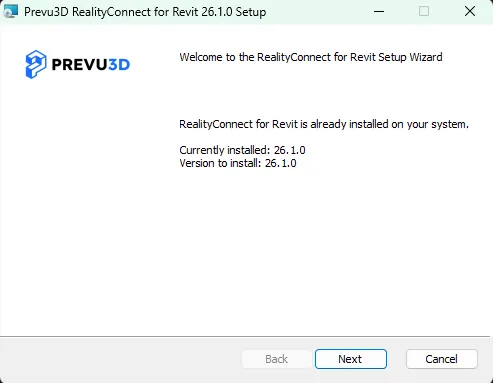
Double-click the .msi file to launch the installation wizard.
-
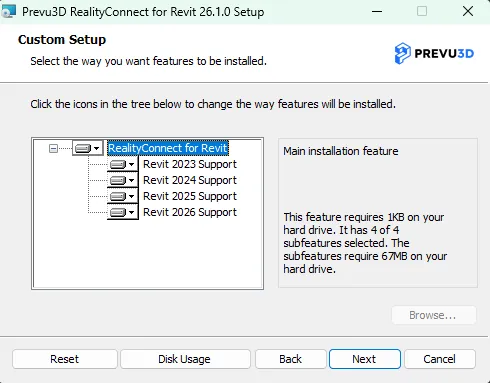
Follow the prompts in the wizard to complete the setup.
-
Restart Revit to activate the plugin.