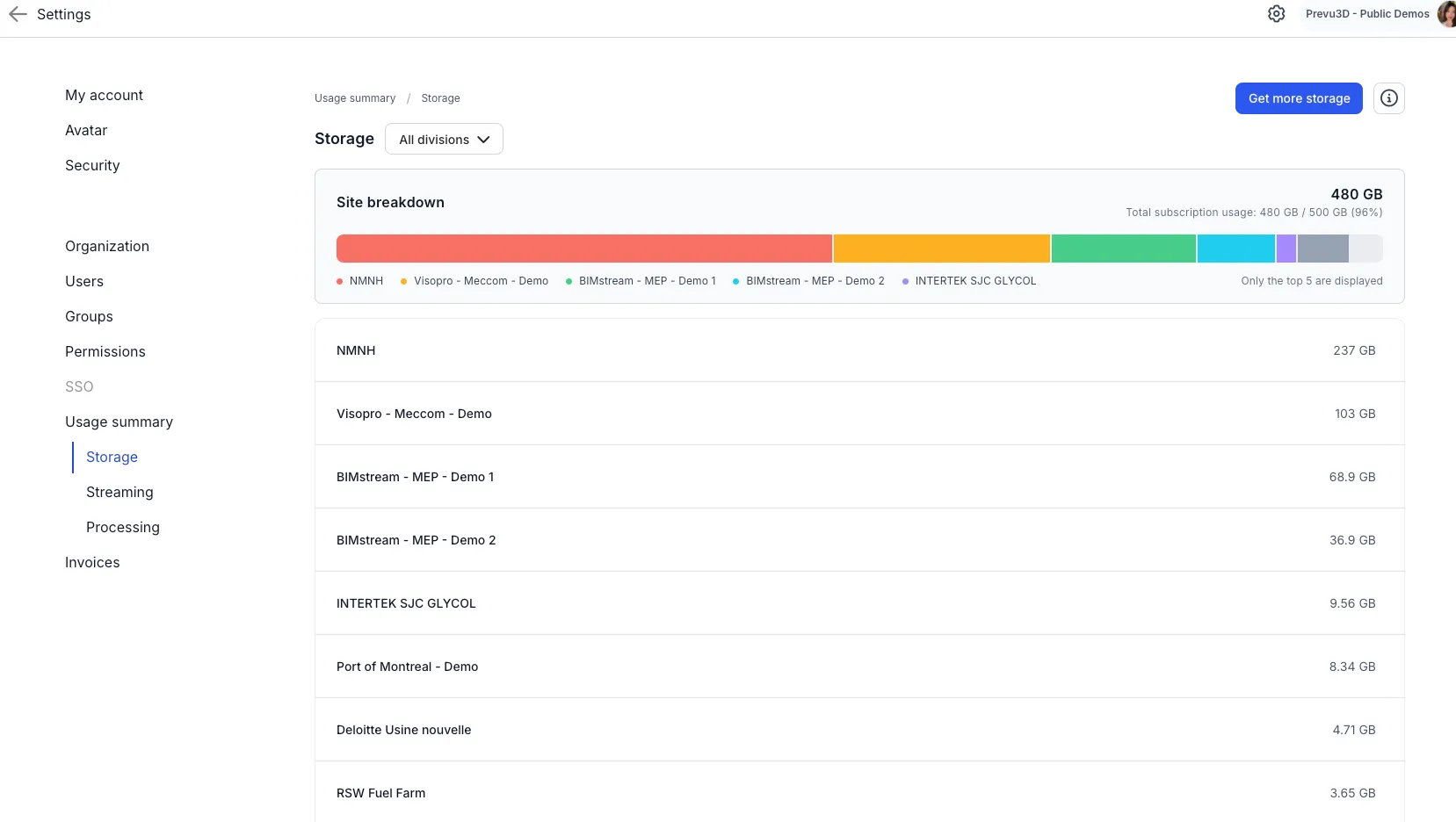
Usage Summary
The Usage Summary section provides a comprehensive view of your organization’s activity within RealityPlatform, broken down into four key areas: Storage, Processing, Streaming, and License Users. Each area is displayed on a dedicated card with details on usage, reset schedules, and options to expand your limits.
Storage
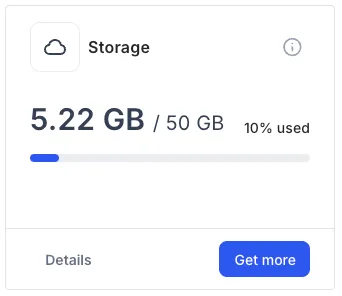
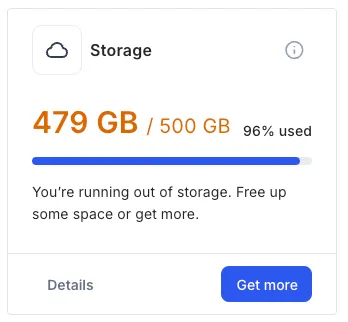
Section titled “Storage”Storage reflects the total gigabytes (GB) you have used across all uploaded and created files within RealityPlatform. This metric provides a clear snapshot of your organization’s current storage usage.
As you near your capacity limit, the numbers will turn orange, and if you’ve reached the limit, they’ll turn red.
Processing
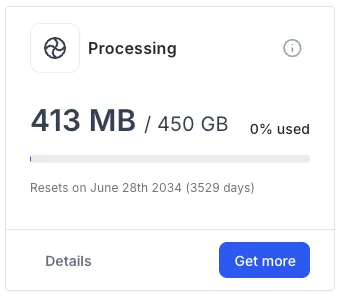
Section titled “Processing”Processing is calculated by the amount of GB required to handle various file conversions and processing tasks. This includes converting point clouds to mesh, compressing scans, and auto-segmenting data.
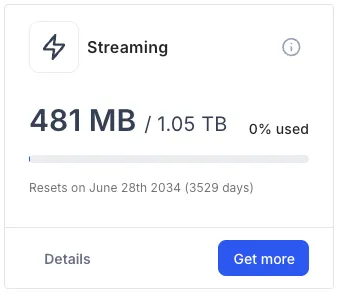
Streaming
Section titled “Streaming”Streaming represents the GB used for delivering viewing and downloading content through the RealityPlatform. This covers data used in the web viewer and content downloaded via the RealityPlan desktop app.
How usage is calculated
Section titled “How usage is calculated”Your Streaming and Processing usage are shown as a rolling 12-month total. At any given time, the figure represents everything you’ve consumed over the most recent 12-month period, measured against your yearly allowance.
This 12-month period is anchored to the anniversary of your renewal date — not to the exact day you renew or purchase.
When does usage reset?
Section titled “When does usage reset?”Usage resets once a year, on your renewal anniversary date. On that day, the previous period’s consumption rolls off and a fresh 12-month period begins, returning your usage toward zero.
Example
Section titled “Example”Suppose your subscription renews each year on September 30 (its renewal anniversary). Today, in June 2026, your usage reflects everything consumed since the most recent anniversary:
- Current period: September 30, 2025 → September 30, 2026
Your usage keeps accumulating within this window. On the next anniversary, September 30, 2026, it resets and a fresh period (September 30, 2026 → September 30, 2027) begins.
You can always confirm your current period’s reset date on the Usage Summary page.
What about Storage?
Section titled “What about Storage?”Storage is measured differently. Rather than a 12-month rolling total, it reflects the amount of data you currently have stored at this moment. It goes up when you add data and down when you remove it — it does not reset on your renewal anniversary.
Licenses
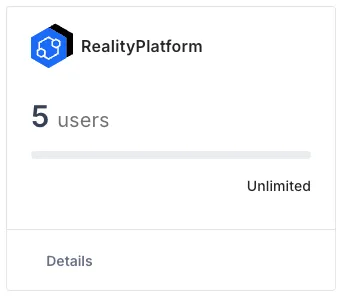
Section titled “Licenses”RealityPlatform
Section titled “RealityPlatform”Organizations receive unlimited amount of web users that can view what is on the cloud. These users can view project layouts, view changes, take measurements.
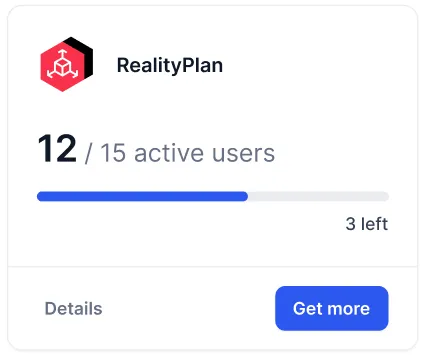
RealityPlan
Section titled “RealityPlan”RealityPlan licenses are handled through floating seats. This is a representation of how many users are actively taking up a seat. See RealityPlan License for more details.
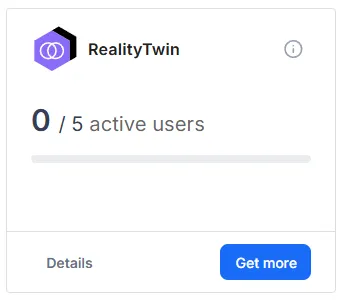
RealityTwin Data Manager
Section titled “RealityTwin Data Manager”RealityTwin Data Manager licenses are handled through floating seats. This is a representation of how many users are actively taking up a seat. See RealityTwin License for more details.
RealityConnect
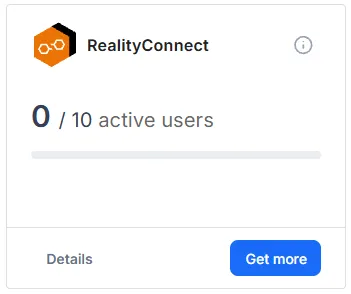
Section titled “RealityConnect”RealityConnect licenses are handled through floating seats. This is a representation of how many users are actively taking up a seat. See RealityConnect License for more details.
Detailed summaries
Section titled “Detailed summaries”On each box of Storage, Processing, Streaming, and License Users, there is an option to view more details.
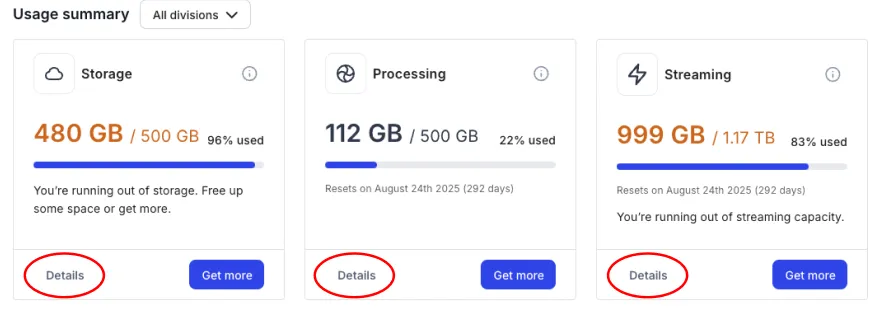
From the details page, you will see a comprehensive breakdown of the consumption of that particular type of usage.