
RealityPlan Hub Overview
Explore your projects, and easily download or run your environments with a few clicks.
Login to the RealityPlan Hub
Section titled “Login to the RealityPlan Hub”To download your environment first you need to open the hub and login to your account, to do this click on one of the login buttons hightlighted in the image below.
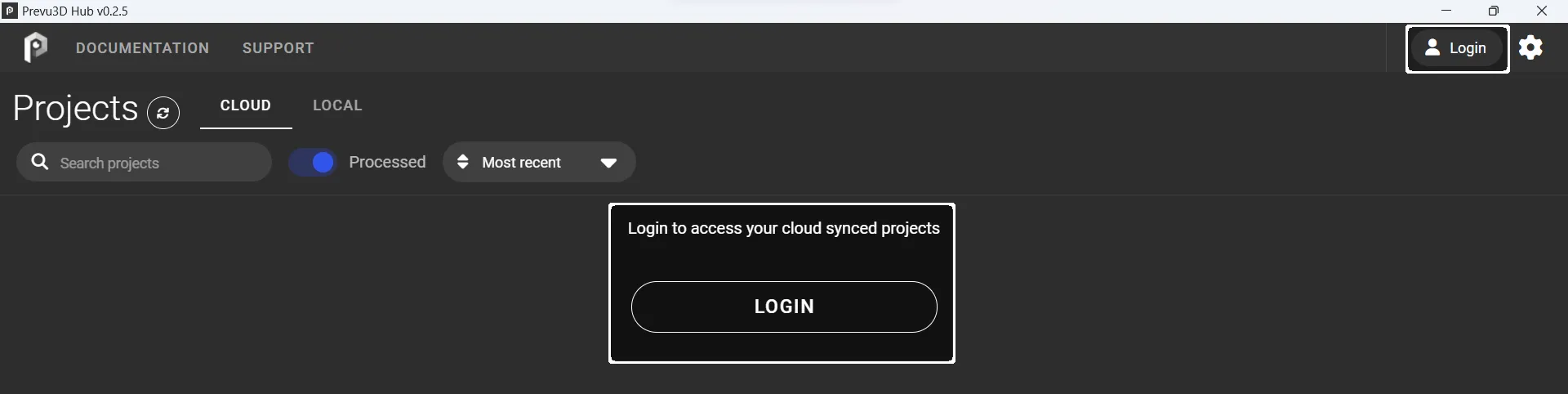
After pressing the login button a window should open on your browser asking you to login to the cloud platform, or, if you’re already logged in to confirm that you want to login to the hub.
Interface overview
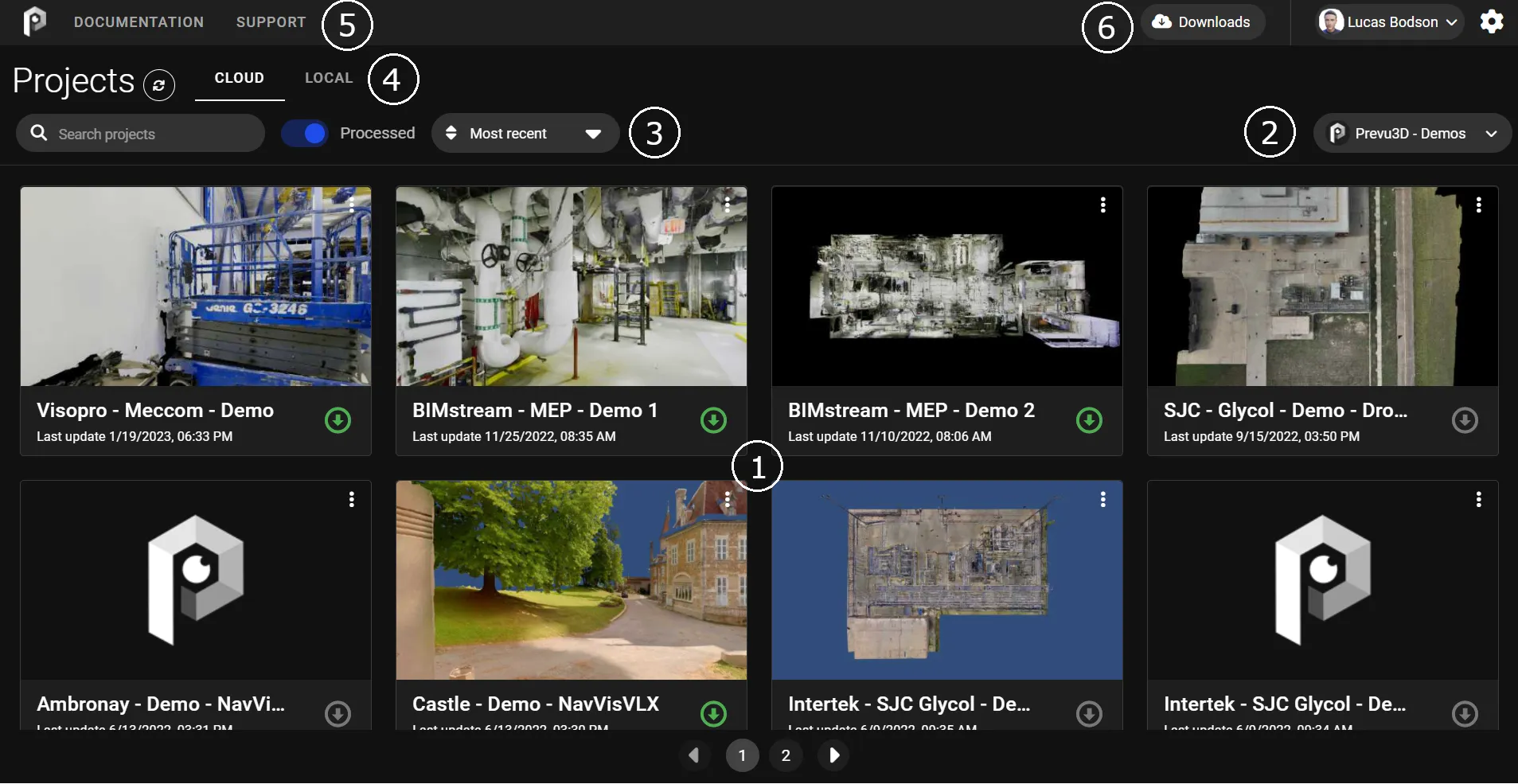
Section titled “Interface overview”The hub interface is divided in 6 main areas as shown below:
Download your environment
Section titled “Download your environment”Once your project has been processed on RealityPlatform it will become available for download on the hub.
To download your environment search its name on the search bar and click on the download button, you will see the downloads window opening and showing you the state of your download.
Not every project can be downloaded — see Projects you can open in RealityPlan Desktop below.
Projects you can open in RealityPlan Desktop
Section titled “Projects you can open in RealityPlan Desktop”RealityPlan Desktop renders a project only when every layer has a mesh or a CAD. A layer holding only a point cloud or a Gaussian splat is not enough. The Hub now tells you this before you download, rather than after:
| Card label | What it means |
|---|---|
| Web only | The project opens in the web viewer but not in RealityPlan Desktop. This describes Desktop support — the project itself is complete. |
| Not viewable | A layer has no representation RealityPlan Desktop can render, so the project cannot be opened there. |
A labelled card is dimmed, and download and open are offered only where they will work. Hovering the label explains the reason.
To make such a project open in RealityPlan Desktop, give the affected layer a mesh or a CAD, or remove that layer from the project.
Running the application
Section titled “Running the application”You can inmmediately open the app by clicking on the desired environment. The project data will keep downloading while you run the app. You can also download your project prior to opening it.