
如何使用 Inventor 插件
启用 Prevu3D 与 Inventor 之间的连接
Section titled “启用 Prevu3D 与 Inventor 之间的连接”从顶部栏,前往 RealityConnect -> Server Settings 并 Start 连接。
要断开连接,你可以重复该操作。
插件功能将在名为 Prevu3D 的选项卡的工具栏上提供。

Sync Scan
Section titled “Sync Scan”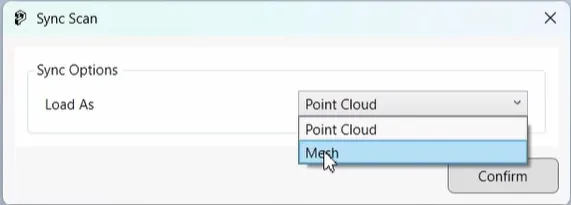
Clip Scan
Section titled “Clip Scan”你可以使用 Inventor 裁剪工具创建裁剪,然后使用 Clip scan 功能上传裁剪后的场景。上传可以作为网格或点云进行,LOD 可以在 1-10 的范围内选择。