Installatie
Installeer RealityConnect voor Nx om uw projecten moeiteloos te beheren en uit te voeren—download gewoon, voer de installer uit en volg de stappen
Ondersteunde Nx-versies
Section titled “Ondersteunde Nx-versies”2406, 2412, 2506 en 2512
De installer downloaden
Section titled “De installer downloaden”Bezoek de volgende pagina om de nieuwste plug-inversie te downloaden: https://cloud.prevu3d.com/settings/apps-and-plugins
De RealityConnect voor Nx-plug-in installeren
Section titled “De RealityConnect voor Nx-plug-in installeren”-
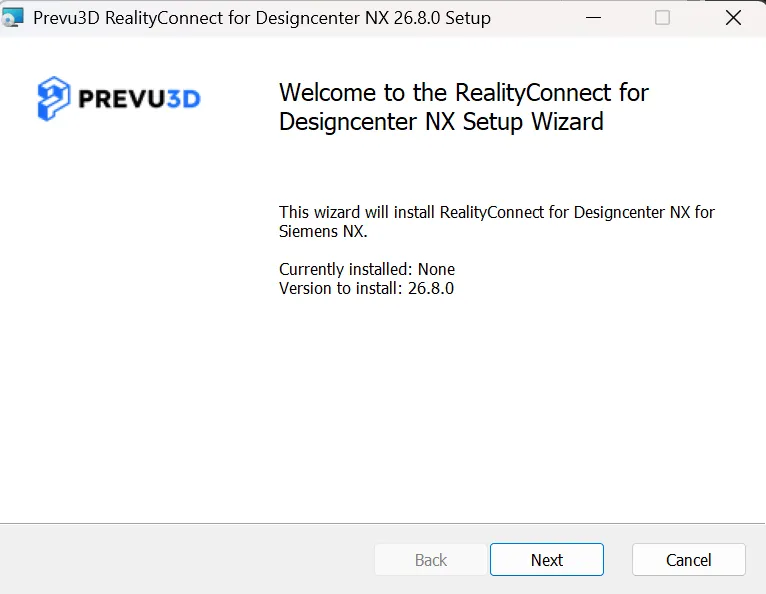
Dubbelklik op het .msi-bestand om de installatiewizard te starten.
-
Volg de aanwijzingen in de wizard om de installatie te voltooien.
-
Start Nx opnieuw om de plug-in te activeren.